
- Protocol
- HTTP
- Rotation
- Every request
- Total
- $59.99
Order to first request
First you pick a plan.
- Method
- Card ending 4242
- Paid at
- 14:02:11 UTC
- Total
- $59.99
Then you pay, once.
- Host
- gw.sputnikproxy.com
- Port
- 8000
- User
- sp_7f3k2q
Then the line is yours.
- Exit IP
- 73.162.41.18
- Latency
- 412 ms
- Left
- 9.998 GB
Then your request lands.
Real homes, not server racks.
Residential traffic leaves through home broadband, so sites see a household, not a data centre.
Rotate on every request, or keep one address for up to 30 minutes when a login or a cart has to survive. Choose a country, or let it pick.



Paste it anywhere.
The same line works in every client. Change the plan at the top of the page and the code follows.
terminal
Plans and prices |
2 GB$14.99 $7.50 / GB | 10 GB$59.99 $6.00 / GB | 50 GB$199 $3.98 / GB |
|---|---|---|---|
| What you get | Rotating home IPs | Rotating home IPs | Rotating home IPs |
| Traffic | 2 GB | 10 GB | 50 GB |
| Valid for | Never expires | Never expires | Never expires |
| Protocols | HTTP, HTTPS, SOCKS5 | HTTP, HTTPS, SOCKS5 | HTTP, HTTPS, SOCKS5 |
| Rotation | Per request or 30 min | Per request or 30 min | Per request or 30 min |
| Location | Any country | Any country | Any country |
| Good for | Trying residential | Scrapers and agents | Daily jobs |
| Buy | Buy 2 GB | Buy 10 GB | Buy 50 GB |
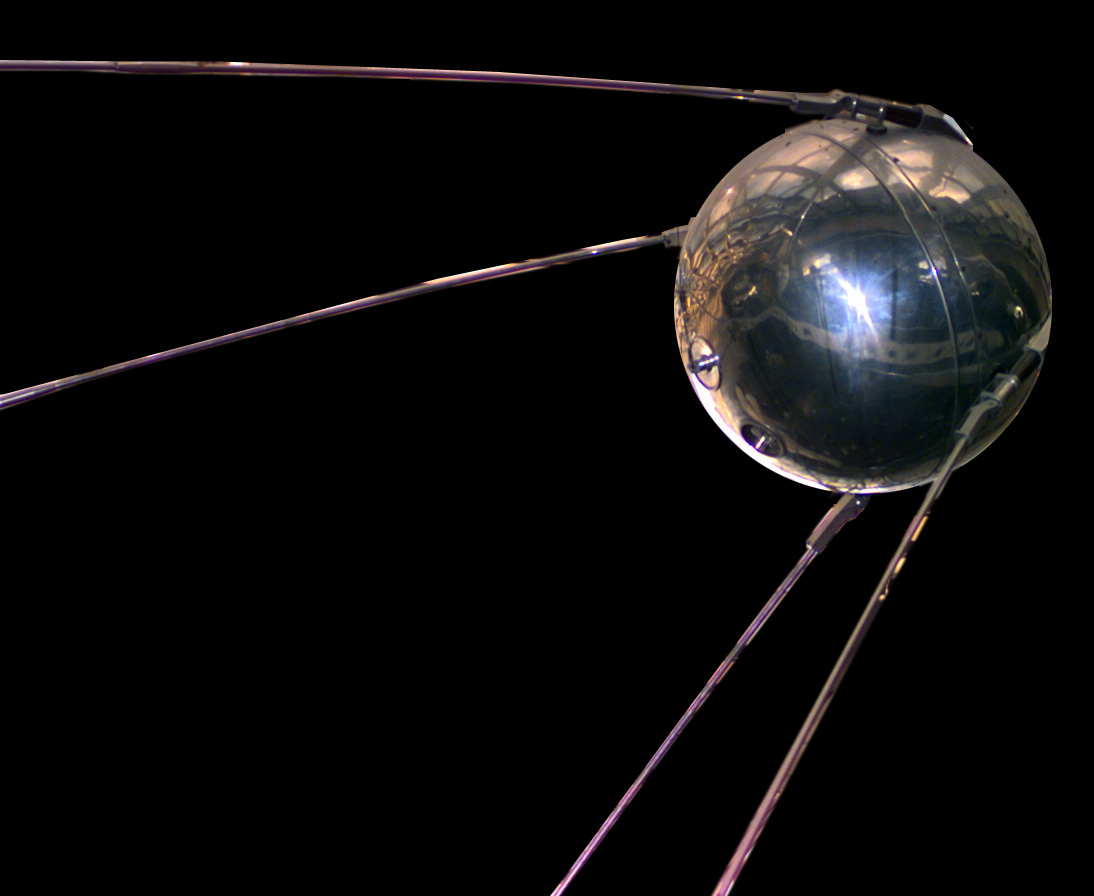
Named after a beep.
On 4 October 1957 a 58 cm sphere began sending one short radio pulse that anyone with a receiver could pick up.
We kept the idea. One line, sent the moment you pay, that any client on Earth can receive.
- Sputnik 1
- 83.6 kg
- One orbit
- 96 min
- Your line
- 1 string

Works with your stack
curl
Python
Node.js
Playwright
Scrapy
Any MCP client
Questions, answered
What if the proxy does not work?
Write to us within 24 hours of buying. We fix it or refund you, whichever you prefer.
How do I pick a country or keep one IP?
Add it to the user name. sp_7f3k2q-country-de exits in Germany, sp_7f3k2q-session-cart1 keeps one address for up to 30 minutes, and you can combine both. Pick any session name; a new name gets a new address.
Do I need an account or KYC?
No. You pay and the line appears on screen. Keep that page’s link: it shows the line and the traffic left whenever you open it.
Which protocols are supported?
HTTP and HTTPS on port 8000, SOCKS5 on port 1080, with the same user name and password.
How do I use it with an MCP server or an agent?
Set the line as HTTPS_PROXY in the server's environment, or pass it to the browser the agent drives. The MCP tab in the code section shows the exact config.
Does traffic expire?
No. Gigabytes stay on the line until you use them.
How can I pay?
By card, through Stripe. One payment, no recurring charge.
What is not allowed?
Spam, fraud, credential stuffing and anything illegal where you or the target are. Lines used for it are cut off without a refund.
Your line
is ready.
After payment the connection string appears right here. Keep the page link to see it again.